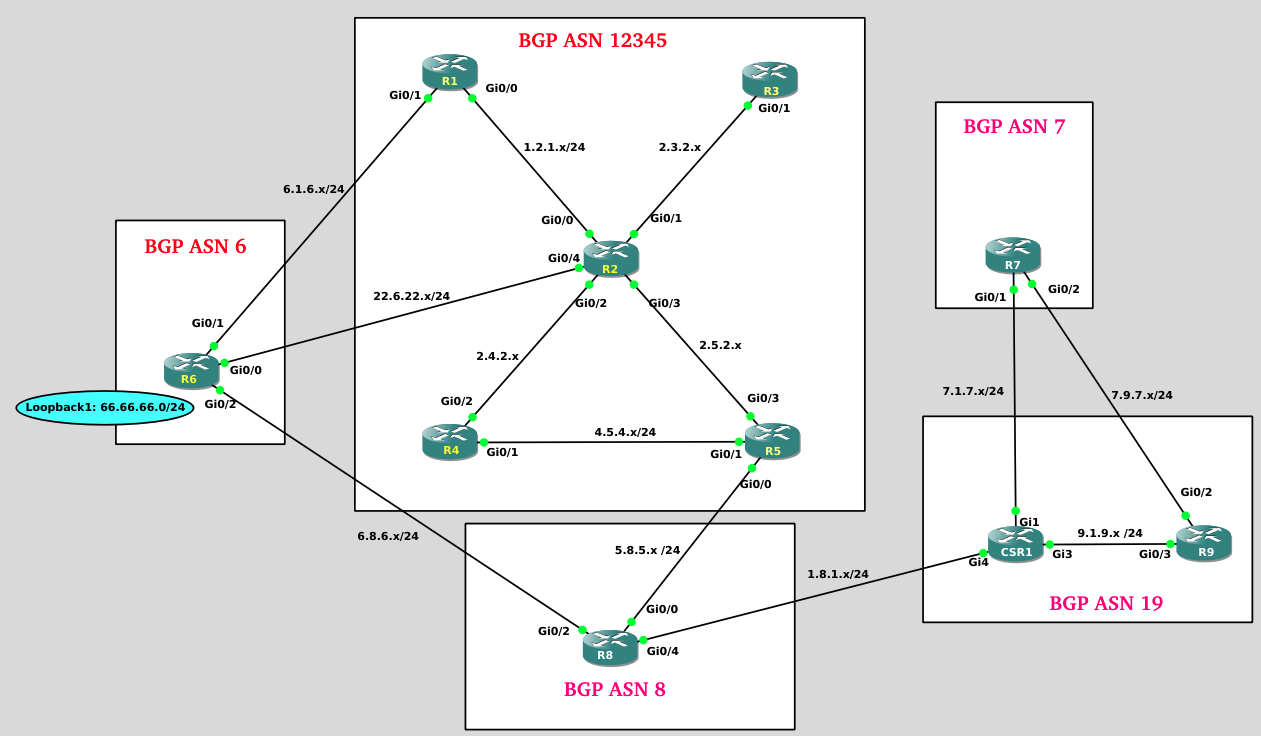
Helpful Hints about INE’s virtual lab environment:
When you start the lab, if you see a message about "Another instance of GNS3 is running" just select "YES".
To access the CLI (command line interface) of any node, right-click that node and select the "console" option.
Save your configuration changes frequently in the event that you get locked out of a device or lose connectivity
If you are suddenly logged out of the GNS3 lab environment and log back in again, you may see the prompt, “Another GNS3 instance is running, continue? (Y/N)”. Select “Yes”
If you ever lose console access to one (or more) of your devices you will need to reboot the Ubuntu Virtual Machine that is hosting your GNS3 lab environment. To do this,
Minimize your GNS3 window
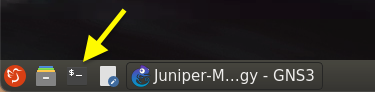
Open the “Terminal” app within the Ubuntu device
Type “reboot” within the Terminal window
Wait 20-30 seconds and then click the “Reconnect” option to log back in.